Three Big Mistakes People Make Trying to Recover Data

In our article on how to do data recovery at home, we give some tips on appropriate steps to take to try to recover data on your own. In this article, we mention the top three biggest mistakes people make when trying to get their data back.
Mistake #0: Not having a backup
The best thing you can do to recover data by yourself is be ready for data loss when it happens. You can do this by making regular backups of your information in more than one place. If you follow our tips on backing up your data, then you likely won't ever need our services.
Mistake #1: Continuing to use the device
If you deleted a file or your computer is becoming unstable, continuing to use it increases the chance the data will be overwritten or become corrupted. When you delete a file, to save time, your computer doesn't actually remove the information from the storage device. It simply tells the file system that the file's space is now available for storing other data. This means that the longer you use the computer, the more likely that space will be taken up by other information. So if you've accidentally deleted a file, stop using your computer and call us for help.
Mistake #2: Using recovery software
Installing software or simply using your computer after you deleted a file increases the chances that your information is gone forever. Also, cheap or free software can be especially unreliable and may corrupt your data in other ways. For example, most free recovery software has trouble recovering from solid-state drives. If you can't recover your files from a backup or the Trash, then it's safest for you to contact us for help. We use state-of-the-art software and hardware to recover your information in the safest and most reliable way possible.
Mistake #3: Tampering with the device
Whatever you do, do not do the following things:
- Do not put your hard drive in the freezer
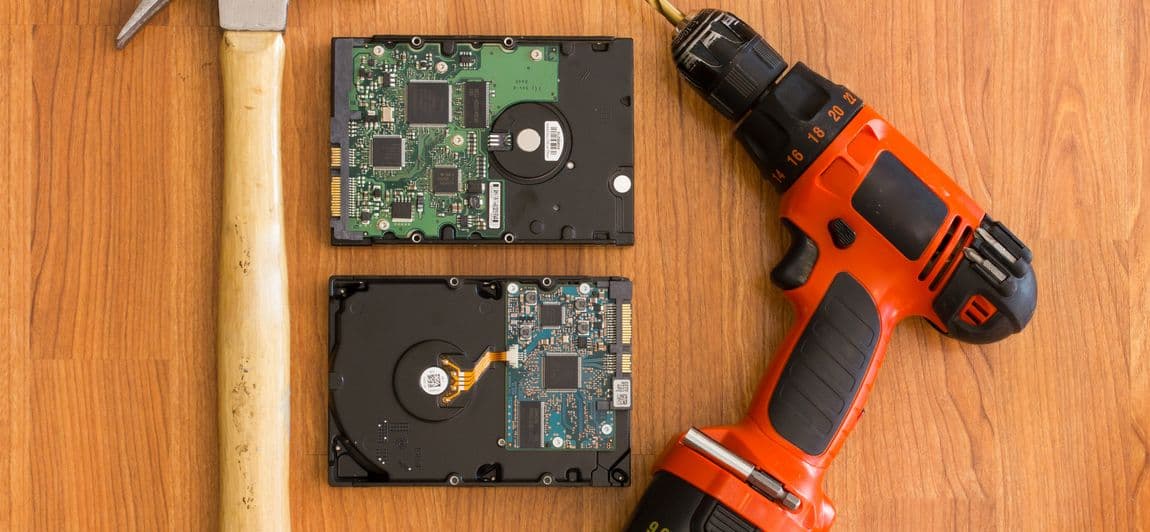
- Do not tap your hard drive with a hammer (or any other object)
- Do not open your hard drive
These actions will almost certainly destroy any chance you have of getting your information back. Hard drives are extremely complex and delicate. The internal environment of the hard drive must be extremely clean and dry and even the smallest speck of dust or drop of moisture inside can easily destroy the hard drive and your data along with it. When professional data recovery companies open a hard drive to repair it, they do so in a completely contaminant-free cleanroom, much like doing surgery.
Furthermore, professional data recovery companies will either refuse to look at your drive or charge you a large fee just to examine the drive if it has been opened.
Unfortunately, these mistakes are all too common. Hopefully this information will help you avoid these mistakes and preserve your chances for recovery in the event of a data loss.
Latest Articles
Read these other articles from our blog to learn more.
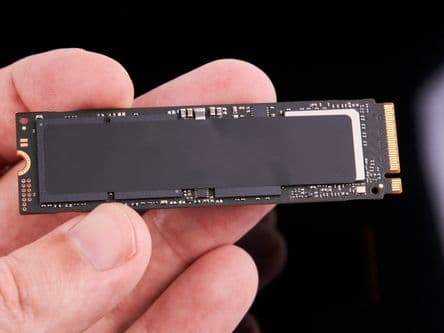
Should I Upgrade to an SSD?
People like solid-state drives (SSD) because they're fast and reliable. But they come with one big caveat.

Why Paying for Data Recovery Is Worth Every Penny
Downtime is minimized and you get experience, security, and peace of mind.

Seagate Fined $300 Million for Selling Hard Drives to China
The US Dept. of Commerce regulations restricted sales to certain Chinese companies in 2020. Seagate continued to sell to them anyway.

How to Back Up Data
Backing up your data is the best way to not ever require our services.

How Long Does It Take to Recover Data?
How long it takes to get your information back can vary — it all depends on what's wrong with the media.
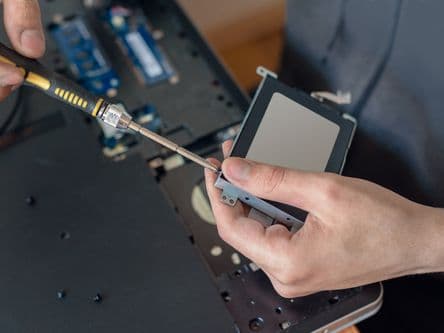
How and When to Do Data Recovery at Home
DIY data recovery is possible but it can be risky. Learn about when it's appropriate to try recovering data at home.